DISCOVERY / A Journey Through Star Trek - Part 1

Over the past few years, I have had the privilege of witnessing the evolution of Star Trek Discovery. From its inception in season one to the current Season 5, the production has seen remarkable advancements in both Practical and VFX techniques. This leads us to the discussion of Virtual Production and its significance in the final season of Discovery. Despite being a relatively recent development, Virtual Production has already revolutionized the filmmaking industry. In the context of Discovery, it has proven to be an invaluable tool facilitating seamless integration between practical and virtual elements, enabling the realization of otherwise unattainable settings and interactions.
In this post, I’ll cover some of the challenges, innovations, and resolutions during the making of our Virtual Production environments.
I hope you gain valuable insights from this that will benefit your project. So grab some coffee, relax, and enjoy the following accounts of the creation and filming of the Virtual Production of Star Trek Discovery, Season 5.

vfxdept
From the inception of the show, I've had the pleasure of working with Jason Zimmerman, the overall show VFX Supervisor. We always start a season discussing ideas, techniques, and what's currently possible before engaging any of the work. His insight, direction, and friendship always make the show a pleasant experience to work on.
artdept
Collaborating with the Art Department team was an exceptional journey. Production Designer Doug McCullough, Supervising Art Director Matt Middleton, along with Art Directors Jim Goodall, Matt Morgan, Anne Maelee, and their team of artists made the entire process a wonderful experience.
creativeprocess
In an ideal world, designs would be finalized and all concepts/models would be handed over to our VAD (Virtual Art Department) team for further development. However, this scenario rarely occurs in the fast-paced episodic production schedule. The evolution of elements continues as we construct the environments, sometimes right up until the day of filming.
The usual timeframe for each environment typically falls between 11 to 14 weeks, depending on complexity and weekly meetings with the Art Department, DP's, and Producers help to track the progress collaboratively. The Art Department supplies us with detailed Filmscapes, which include set dimensions, prop materials, and other intricate environment elements. Providing us with Unreal projects has also become a common practice to kickstart the process.
environments
We were tasked with creating a total of 12 Environments (3 pre-existing to be used in Unreal Engine) and 3 Playback Elements (displayed on the Volume using Touch Designer). One of the environments required unique elements solely found in Lençóis Maranhenses National Park in North Eastern Brazil, marking the beginning of our journey.
brazil
challenges
Transporting a cast and crew of over 150 individuals and equipment to a remote location, which proved to be financially impractical.
Dealing with weather unpredictability (we definitely got rained on).
Schedule/Time.
solutions
We dispatched 3 reps from PXO (Scan Supervisor Matej Kosovsky, CG Supervisor Winrik Haentjens, and yours truly), along with Production VFX Supervisor Alex Wood to our location inBrazil to scout and lidar scan the necessary elements to recreate the environment in Unreal Engine (UE).
We also captured extensive drone reference footage with a local team, which proved to be invaluable during production.
The travel time totaled 30 hours from Toronto to the final destination, followed by an additional hour of a (quite bumpy) truck ride to the desert.
We gathered very detailed texture and displacement data using Winrik’s custom built Photometric Stereo Scanner. From these, we created various tilable textures that were used throughout the environment.

creativeprocess
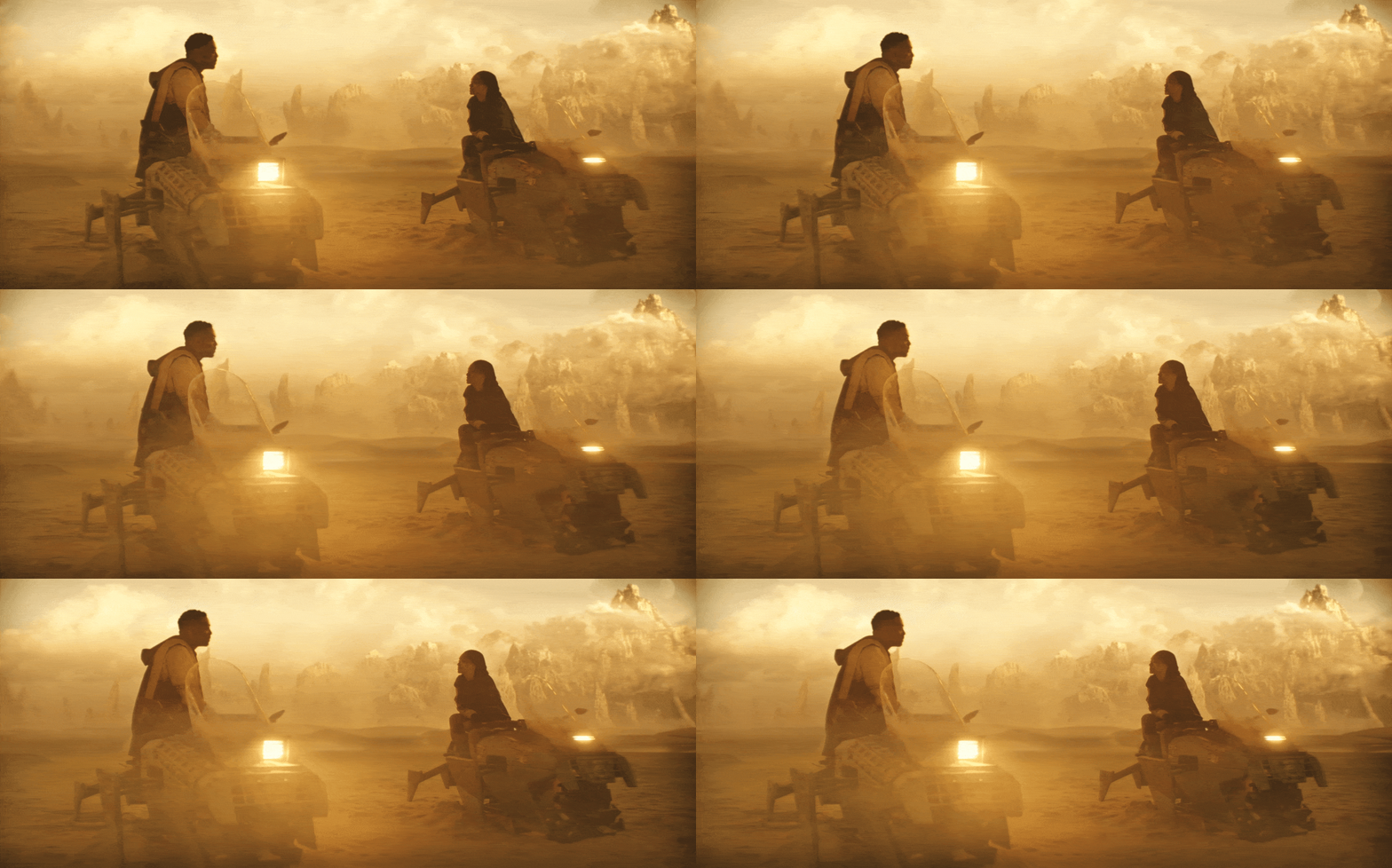
For the PXO team, this season marked the first time they encountered an environment of this scale and complexity. We needed to plan a travel route from and to their settlement *hotspot, all the way to the distant mountains and back (a total distance of approximately 10km), which also included a U-Turn section. Each of the 3 characters required a customized route, with slight variations based on their position along the path. In total, 9 unique travel elements had to be created for the final rendering. Due to technical constraints, the team opted to use pre-rendered elements for this portion of the project, rather than having a live UE environment.
logistics
Figure out animation path of each Sandrunnner within the environment. (Required someone to animate each vehicle going to and from each direction based on rough storyboards and dialogue timing). This would give us the total frame range we needed to render.
Duplicate and offset the animation of the Sandrunner for each character. In order to get the proper Perspective, we ended up mounting 5 cameras on our Sandrunner to render out a 5 different image sequences to then stitch together a 270 degree panorama.
5 (camera angles) x 3 (different directions) x 3 (different characters) = 45 total renders.
Stitch renders together to create a 270 degree panorama (which would allow for some perspective through our camera) and convert output through NotchLC for playback on the Volume through Touch Designer (our software of choice for playback elements).
innovation
To mimic bright exterior sunlight, our DP Phillip Lanyon, placed 200 Par Can lights around the top edge of our Volume. We then exported a locator out of UE containing our camera’s rotation values in relationship to the virtual sun. These transform values were fed into the board op, who then placed a single light source on the Par Cans and controlled it's position using the locator values, to match the position of the virtual sun. This worked exceptionally well.
Our SFX team, led by Darcy Callaghan, built a custom rig for the sandrunner. Working directly with Gregory Stevens and Adam Bellavance (who designed and operated the hardware and software that controlled the rig), we quickly figured out how and what kind of data we needed for the practical rig to match the movement of our animation. We ended up using .chan files from Maya, which worked seamless and were quickly to generate. Due to time constraints and the amount of iterations needed, we quickly learned that the fastest way to make revisions was to provide the SFX team with the rendered footage, and they would simply animate and program the rig on their end, improving the turnaround time from 24-48 hours down to just 1-2 hours.


Here's a look at our very first proof of concept test. This test was put together realitevly quick in order to ensure the workflow and mothodology would prove successful, and it did. From this point on, it was all about refinement.

technicalfacts
One key element we needed for this environment to work, was crowds. It was necessary to give the environment life, as it is a village. We did an element shoot of some of the actors in wardrobe, then keyed and placed them throughout the environment as flipbook elements in UE. This worked so well, we even placed some elements directly at the edge of the Volume.
During camera rehearsals, we there were subtle changes in lighting on the sand in our practical set, so we built a custom Dynamic CCR in UE (color correct node) that would adjust grading as the camera moved, to ensure a perfect blend throughout our camera moves.
One last minute request during our shoot, came from our DP who asked us to create a new hotspot on the fly. We quickly moved a few elements around within our environment, and made it work. Which is why I make sure all our environments are R.A.F ready.
Reliable / Needs to be performant, first and foremost. Without a working environment, we can’t shoot.
Adaptable / Environment needs to be built in a way that anyone who’s operating it during a shoot can easily find their way around and quickly address notes.
Flexible / Being able to make changes (within reason) on the fly, to accommodate DP and Director feedback (such as adding a new hotspot on the fly).
This was the extra hotspot added on the fly during the shoot. (hotspot - focus area within a Virtual Production environemnt. Usually where most of the filming takes place. One environment can have multiple hotspots.)


Comments